Signal is one of the most popular instant messaging apps for Android. Developed originally by Open Whisper Systems and now by the Signal Foundation, Signal prioritizes privacy and security over all other features, but that’s not to say that it compromises anything else. It was also supported and endorsed by Edward Snowden a few times, which speaks a lot about the credibility and reliability of the application.
From the moment you install it
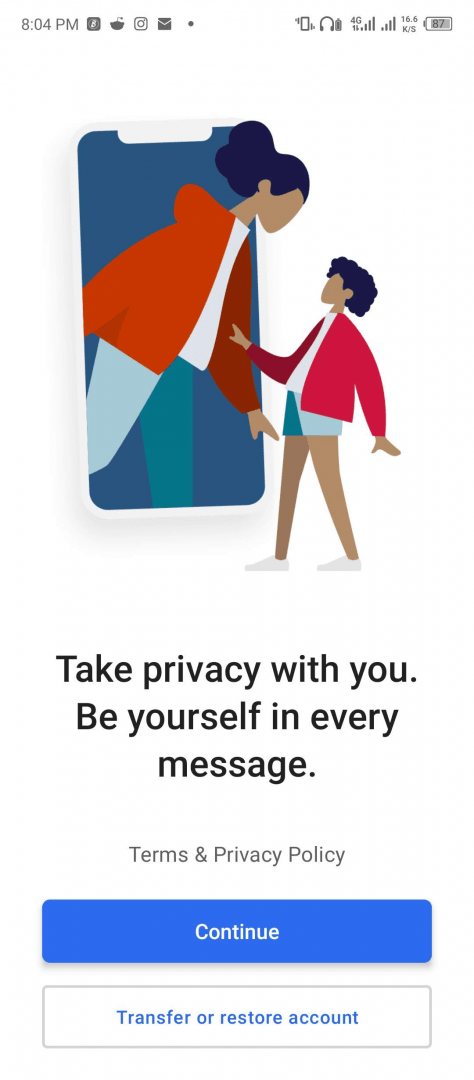
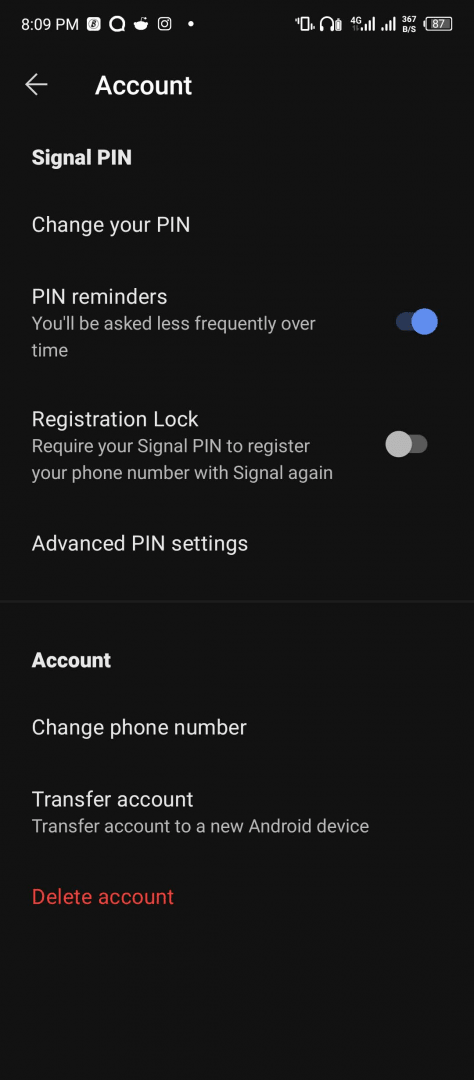
You will notice the security features from the moment you install it and open it for the very first time. Signal is loaded with all the security and privacy features you could require. The application uses your phone number as your ID, and after verification, you can set a security PIN for the application.
There is end-to-end encryption that will protect every message and every call that takes place on Signal. Your address book is also not synchronized on Signal's end, ensuring that the contacts are safe and not backed up anywhere online where they could be misused. The security goes as far as its servers not being able to access the information of your messages or groups.
A beautiful, clean user interface
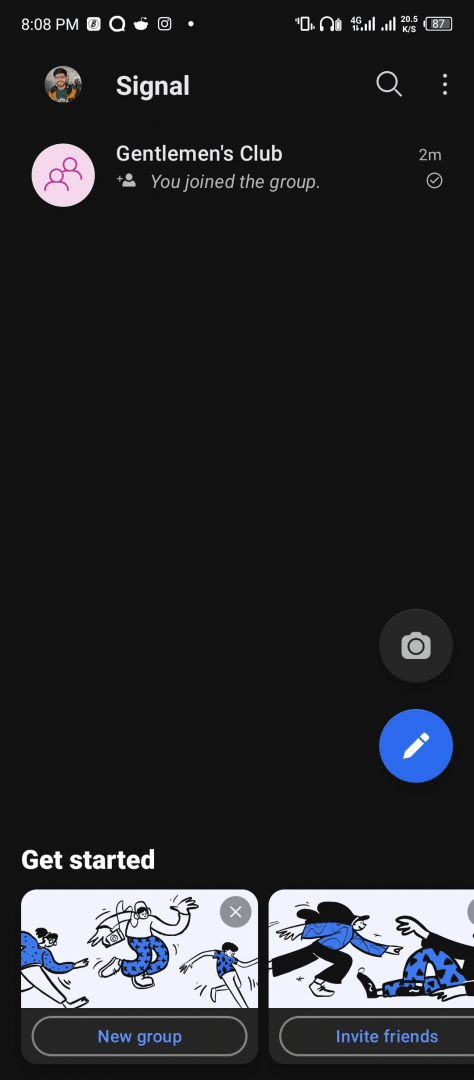
Signal is one of those beautifully designed messaging applications that will make you feel modern as well as well-organized. All the features that you could need are there. You can send media, texts, and make calls using Signal.
Customization
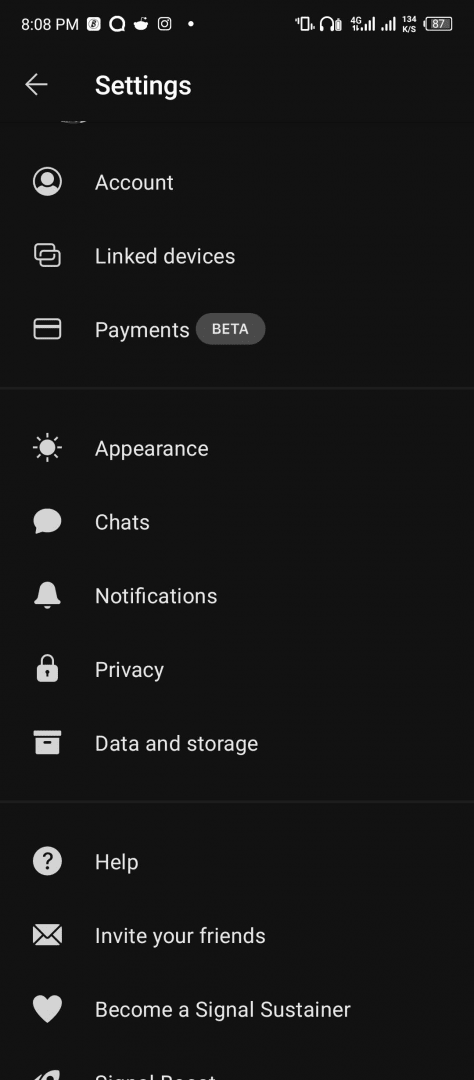
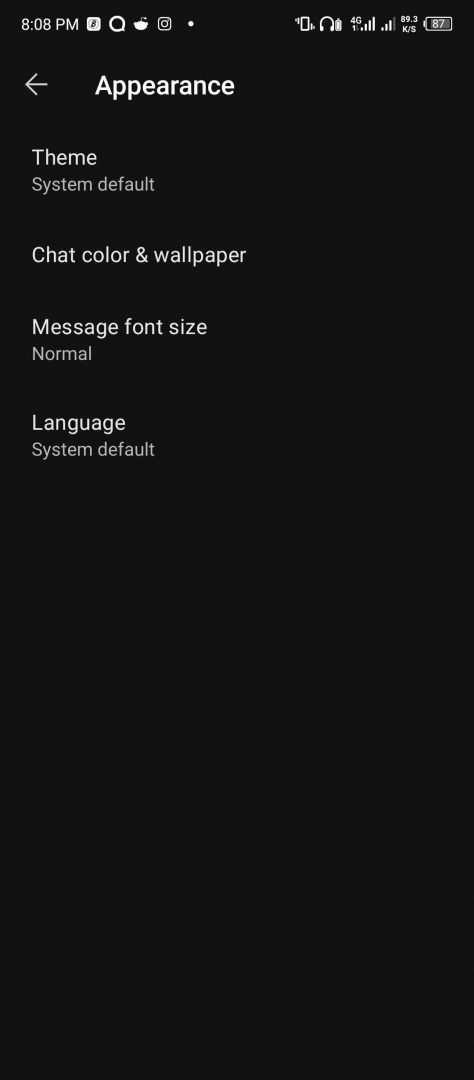
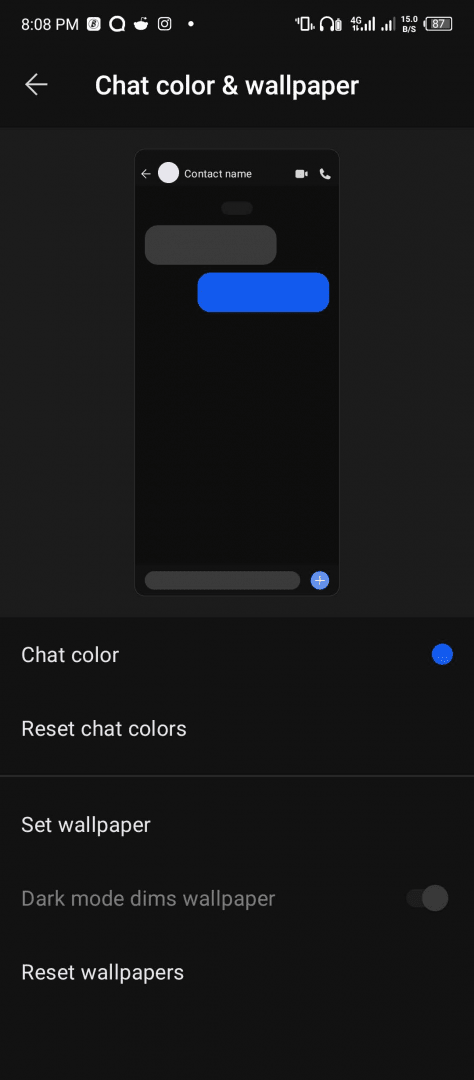
It also provides a handful of customization options when it comes to appearance as well as UI. You can choose from multiple themes as well as different chat colors and messaging bubbles alongside other features. You can design your messaging however you like.
The gold standard for secure communication
Signal is an application that gained traction for its privacy-enhanced features that ensure everything that takes place through it is end-to-end encrypted and highly secure. That said, the application is full of useful and intuitive features that will help you use it more effectively and make your messaging better.