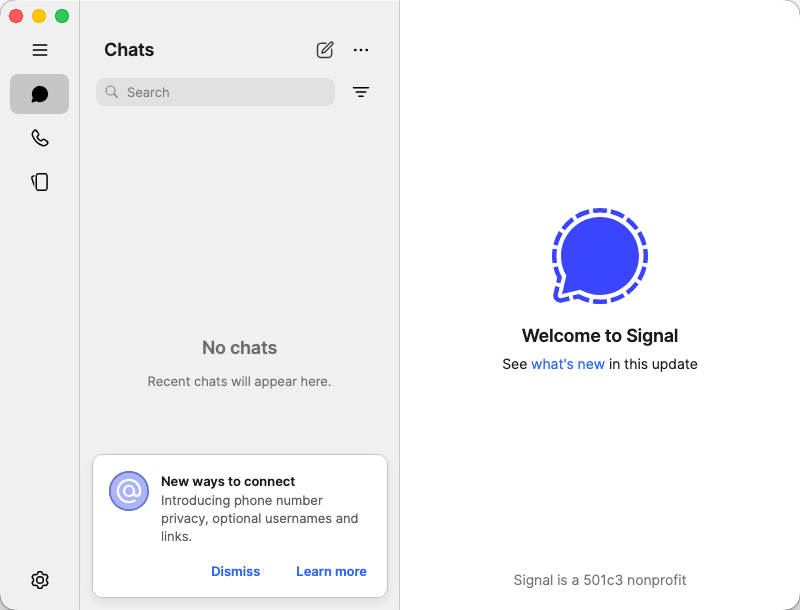
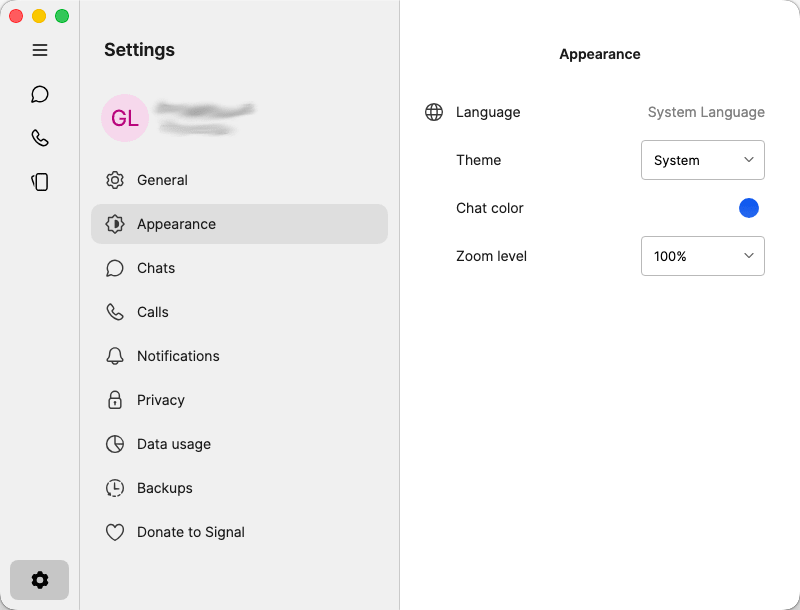
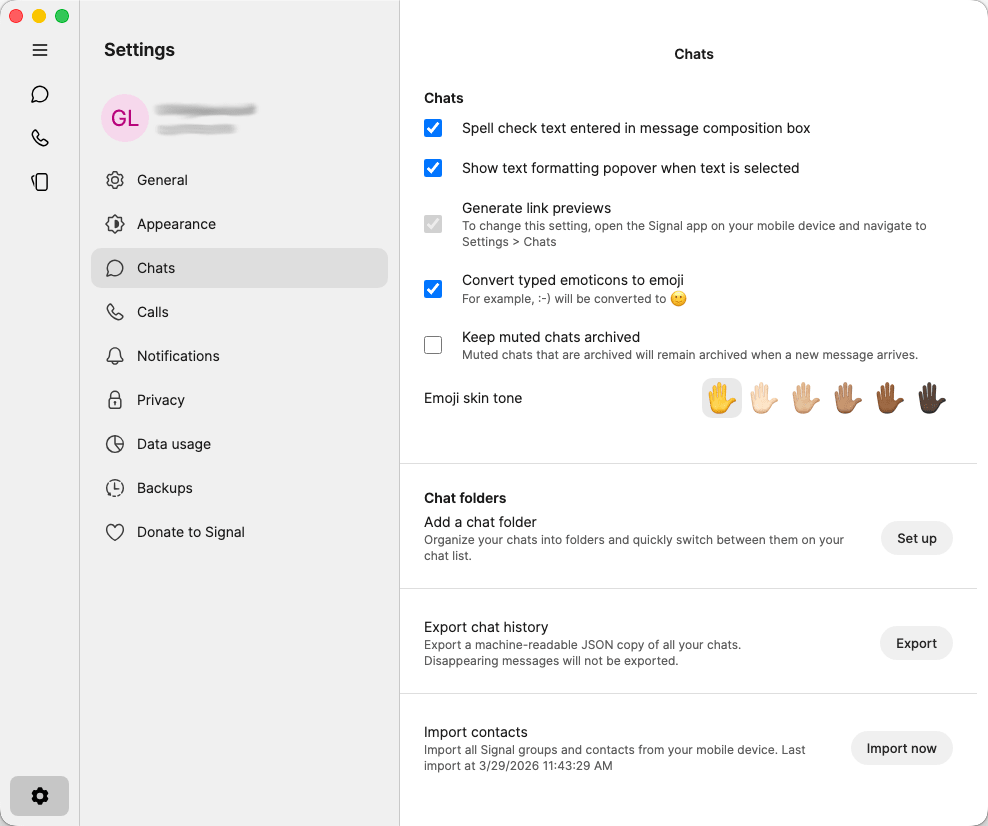
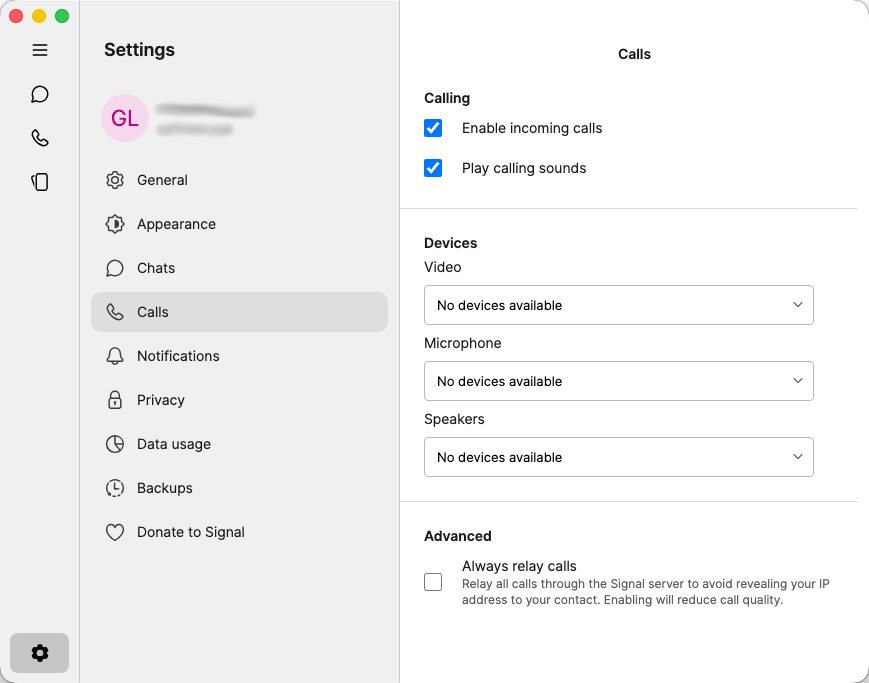
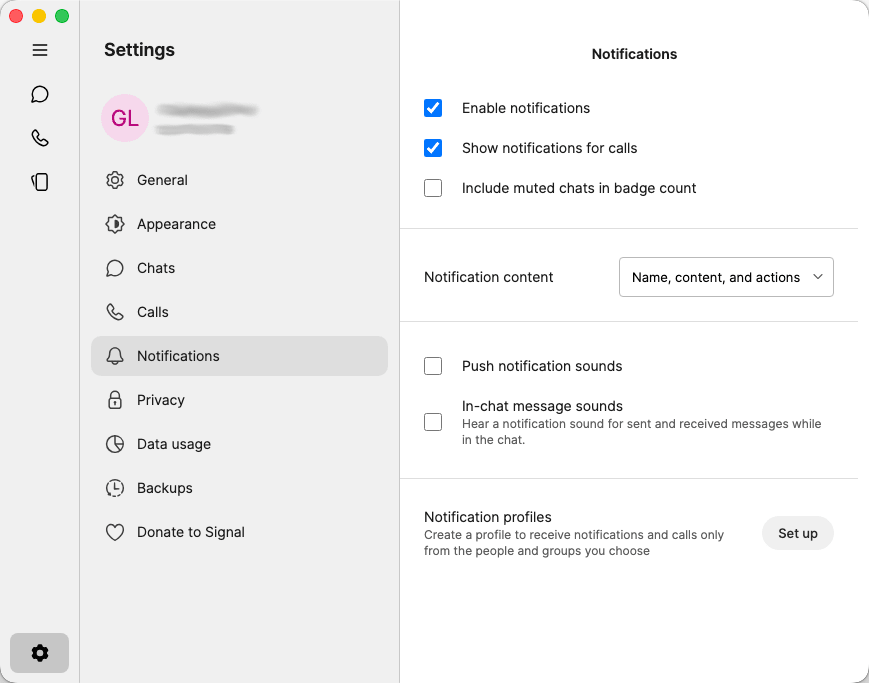
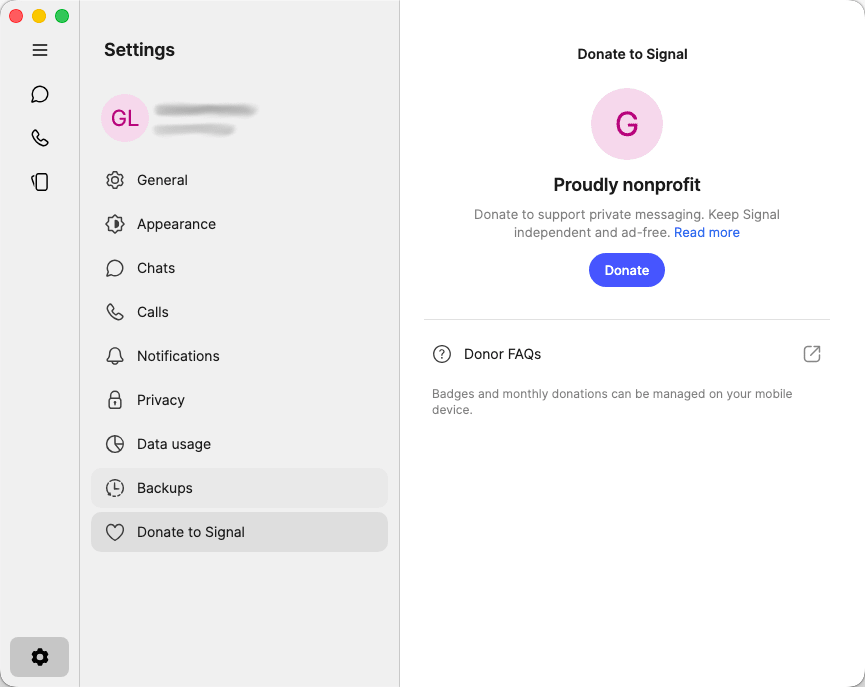
Signal is a free, open-source messaging application that is available across platforms and is known for its unparalleled privacy and security. While other messaging apps struggle with privacy concerns, Moxie Marlinspike and Brian Acton developed Signal with the core intention of keeping communication secure by developing the Signal Protocol. Already widely popular on mobile devices, it is also available on Mac and offers a clean user interface and reliable desktop messaging.
If you want your conversations to be genuinely private, this is the app to have. It is so secure that many government and military officials rely on it as well. The Mac app brings this same philosophy to the desktop, functioning primarily as a companion to your mobile Signal account.
End-to-end encryption and privacy architecture
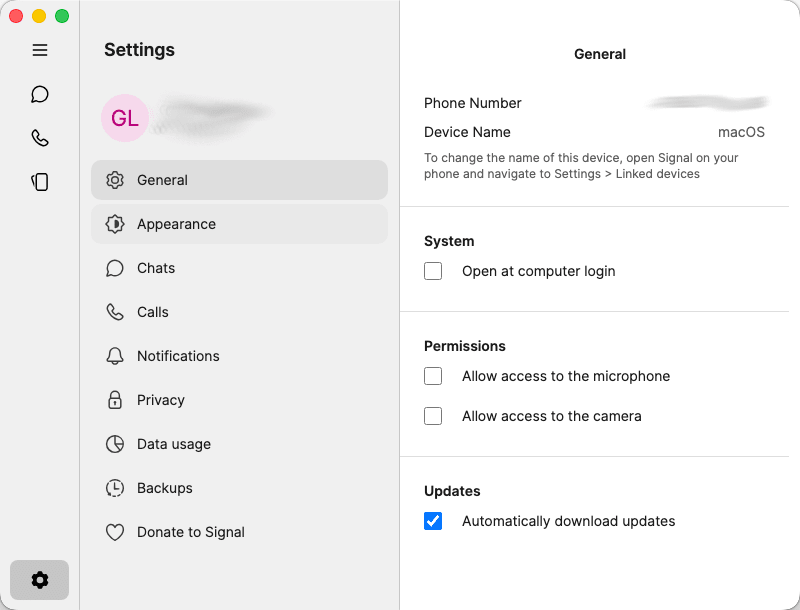
The first thing to understand is that the Mac app does not function as a standalone version. It requires you to first set up Signal on a mobile device (Android or iPhone) and then link it to your Mac. This tethered approach, however, does not compromise your privacy.
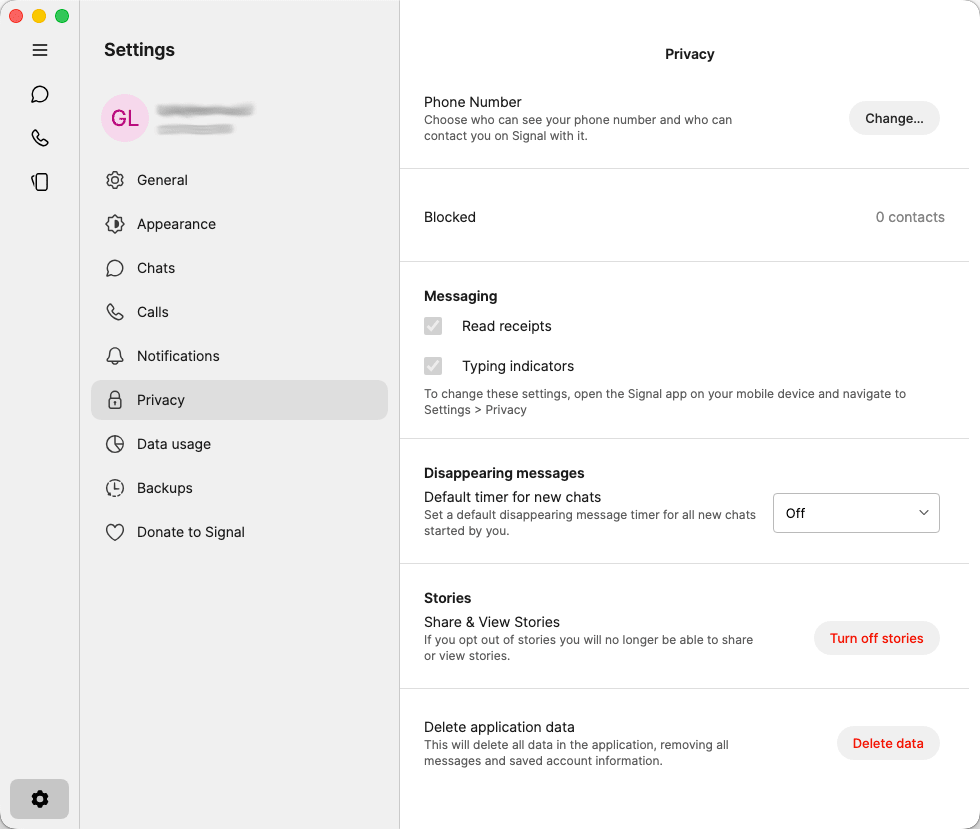
The star feature of the app is the encryption protocol, which is widely known as the gold standard in secure messaging. Every item, including messages, calls, images, and files sent or received through the app, is end-to-end encrypted by default, meaning even the company itself cannot read your conversations or intercept your data.
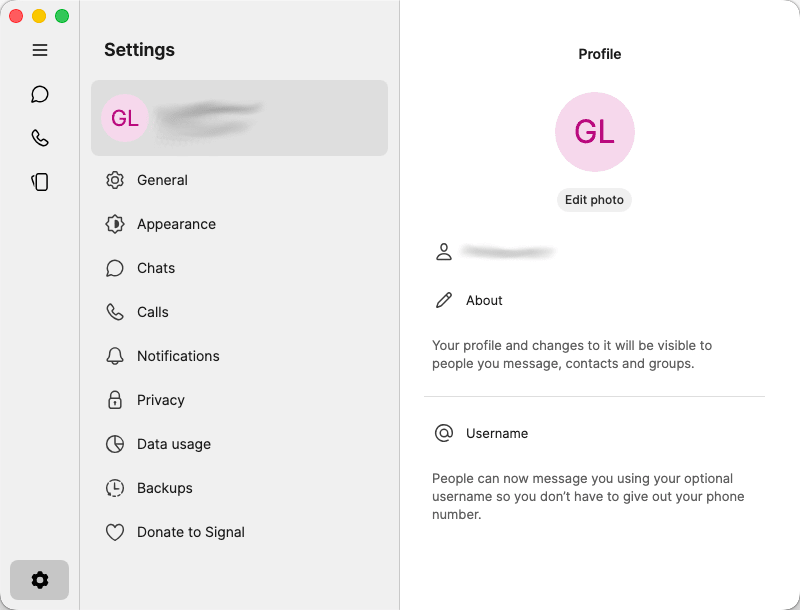
Beyond encryption, Signal collects virtually no user metadata. There are no ads, no data brokers, and no behavioral tracking. While the app still requires a phone number to register, you no longer have to share it to chat. The recent implementation of usernames allows users to connect and communicate without ever revealing their actual phone number to others.Messaging and calling features
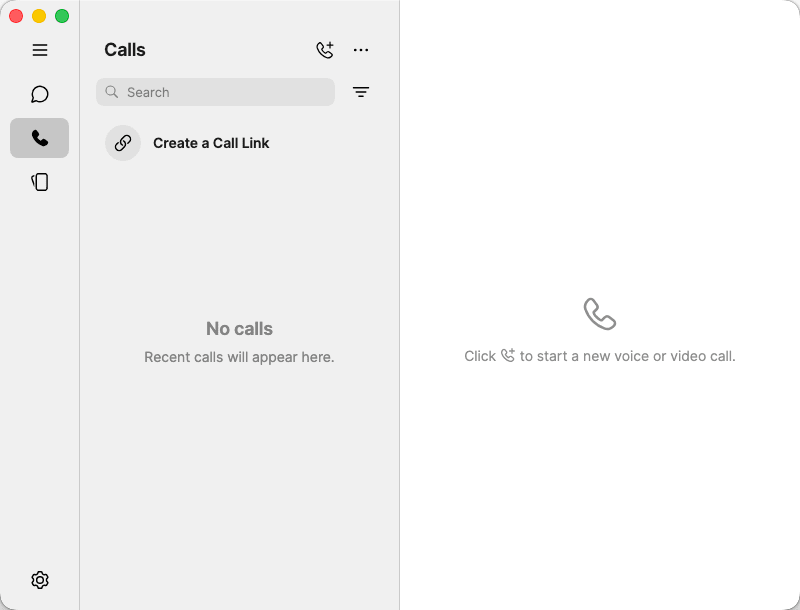
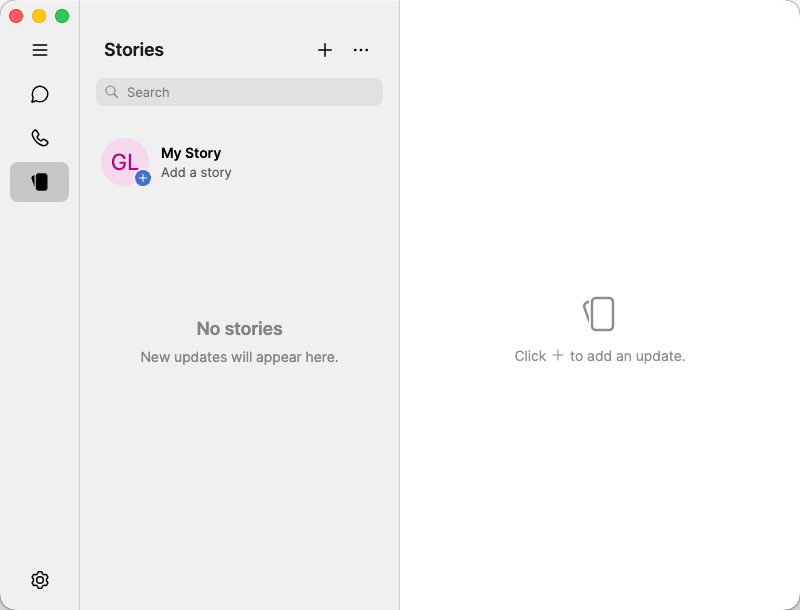
Despite its strict focus on privacy, Signal does not compromise on functionality. On Mac, you get the full experience: text conversations, voice notes, file sharing, including images and videos, group chats, and more. You also get access to specific features like disappearing messages, view-once media, and Note to Self.
Message syncing between devices is instantaneous; however, for security reasons, message history prior to linking the desktop device will not sync.The most trustworthy messenger for privacy-first users
Signal on Mac delivers exactly what it promises: private, secure, and reliable communication without compromise. It may lack some of the bells and whistles of other modern messaging apps, but it offers something that very few others can: true end-to-end encryption combined with zero metadata collection.